Intermediate Animatics Production
Introduction
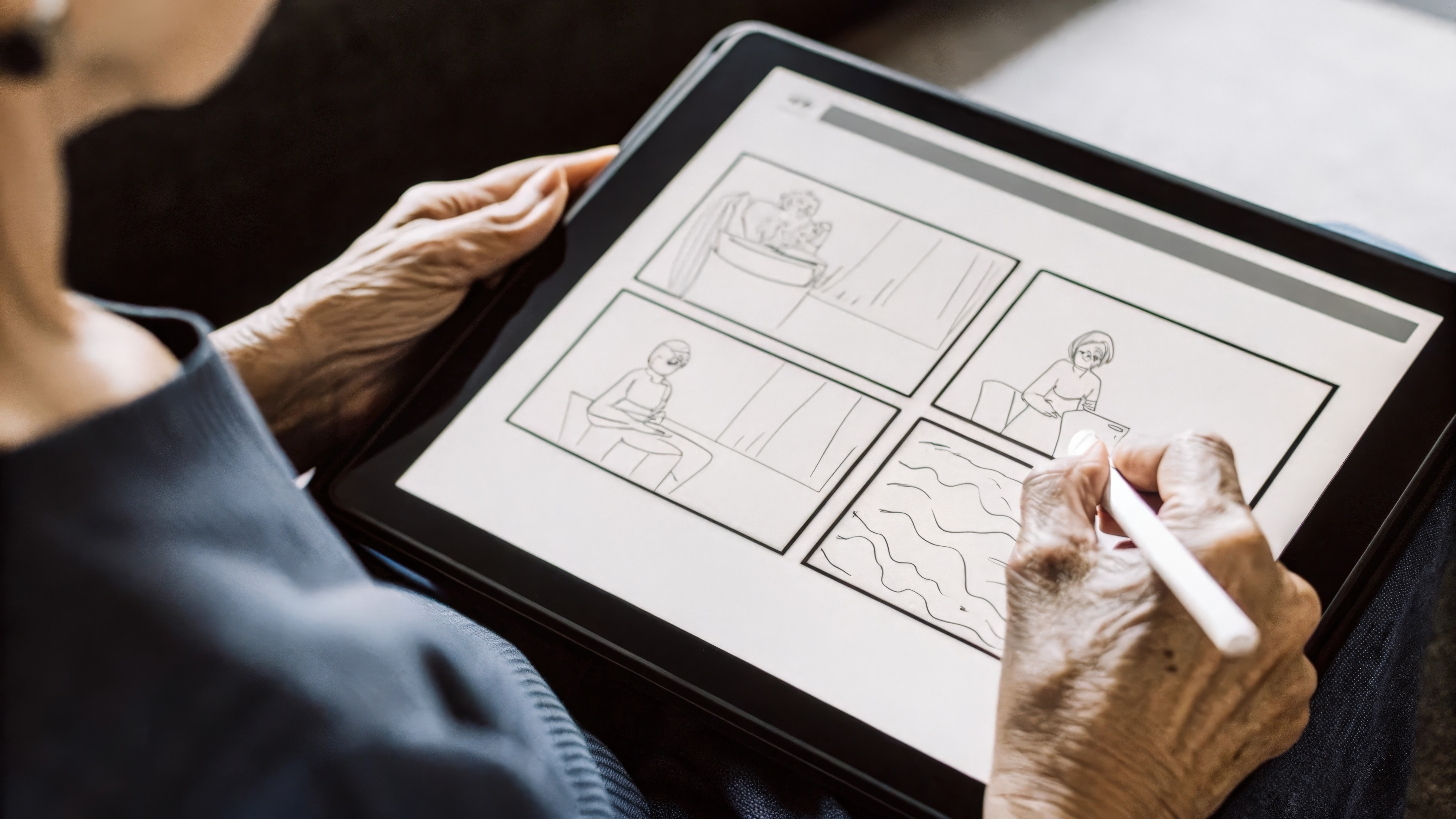
This course bridges the gap between static panels and moving pictures. Students take their rough storyboards and learn to sequence, time, and sound-design them into high-functioning animatics.
Instructor Profile
Prerequisites
Description
Topics Covered
• Framing layout cleanup and layered artwork prep
• Introduction to non-linear video editing timelines
• Timing and pacing panels to spoken scratch dialogue
• Importing and syncing audio tracks and sound effects
• Basic digital camera motion paths (pans and trucks)
• Incorporating temporary text placeholders and subtitles
• Simple character movement hints (sliding layers, rotation)
• Video file codecs, rendering pipelines, and export workflows
Course Objectives
• Develop a keen sense of narrative timing and pacing.
• Build layered digital files optimized for video timelines.
• Master the basics of synchronized audio-visual media.
Learning Outcomes
• Sequence flat drawing panels into real-time videos.
• Sync sound effects and dialogue accurately with action.
• Render stable video outputs at target framerates.
Tools & Materials
• Drawing tablet or desktop computer system
• Animation/Editing software: Storyboard Pro, Premiere, or After Effects
• Audio microphone or smartphone for recording scratch tracks
• High-speed storage drive for video file managemen
Course Rules
·
Ready to Enroll?
Preserve your seat by filling in the application form, upload a sample of your artwork, or provide your Artstation account for revision. Kindly, Do Not pay unless you have a confirmation message from us that you are accepted in this course.